
Use the article content type to share news, updates, blogs, and press releases. The article detail page displays the article content and related news items. Key details from the article content type (title, summary, taxonomy) are also displayed on the news listing page, and recent articles assigned to a department can be featured on the department landpage.
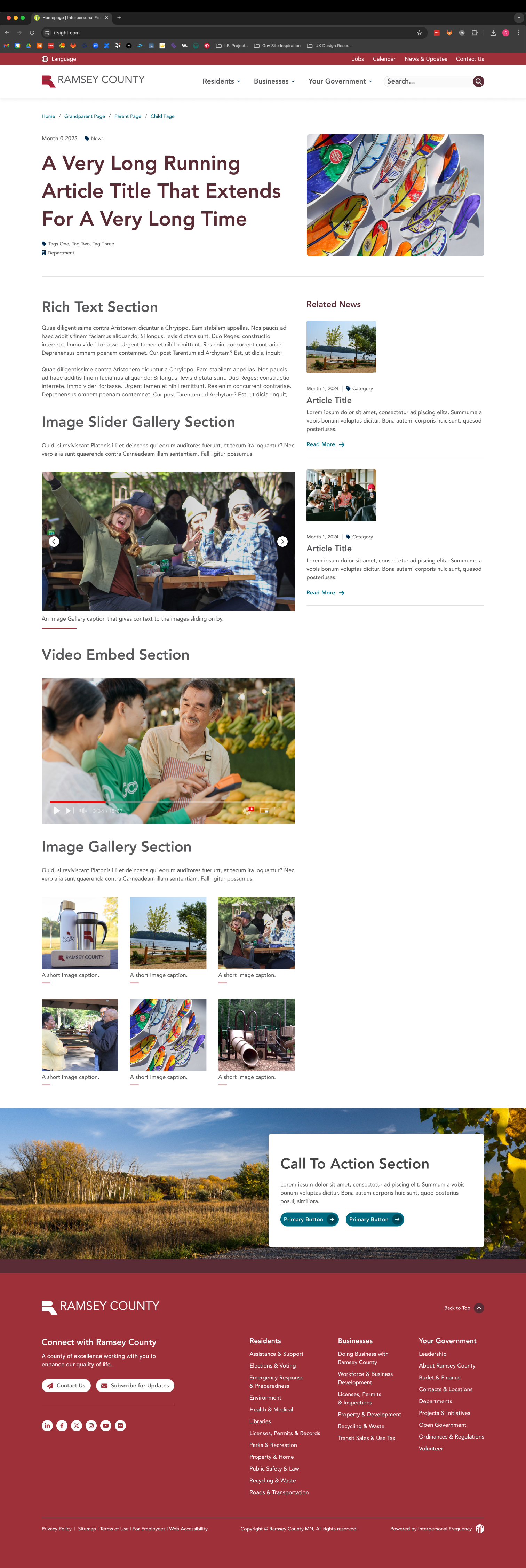
The following paragraphs are the different "lego pieces" that you could use on this page
The rich text paragraph will meet most content needs. Use it to add text and headings, create links and lists, add columns and single buttons, and embed images, videos, and documents. Most web pages should include a rich text paragraph, and in many cases, it may be all that is needed.
Feature important information with the highlight content paragraph. This paragraph is available to be used in the content section of landing pages, department pages, and the homepage, and is also used in the CTA Section tab for all content types. The paragraph includes an image, heading, description, and buttonlink(s).
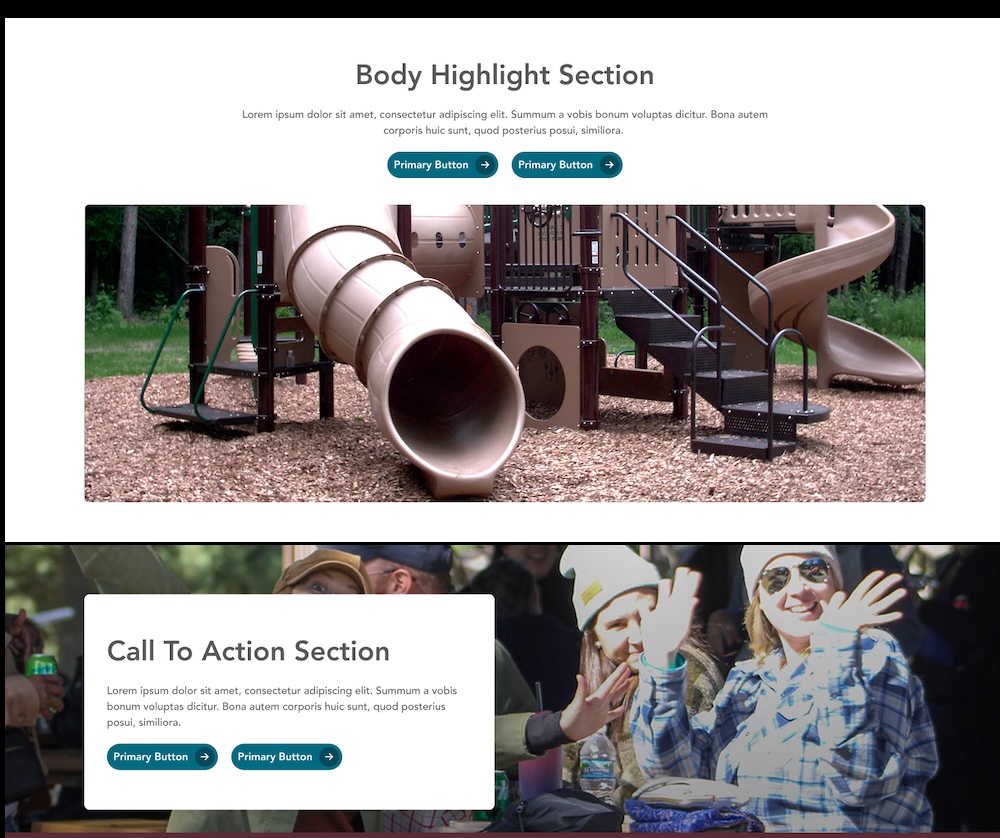
Display group of images on a page using the photo gallery or slider gallery paragraphs. The photo gallery paragraph places images in a grid, while the slider gallery creates an image slider to display one image at a time. Galleries must first be created in the Media Library.
.png)