The homepage is the main entry for your website. It is designed to provide users with a variety of information in an easy-to-scan format to help them find what they need. The page is built with a mix of static/curated content managed by your team and dynamic listing views (events, news). This content type can only be edited and published by Site Admins.
.png)
The following paragraphs are the different "lego pieces" that you could use on this page
The hero section at the top of the homepage is designed to capture a user's attention. Your homepage hero features the I Want To component, a searchable feature that helps guide users to frequently-accessed content.
.png)
Create a curated group of links with icons to help users find important or frequently-accessed content. Icon links are arranged in a grid, and the links can go to internal web pages or external URLs. Descriptions are optional, and best practice is that all icon links in a group should match.

The rich text paragraph will meet most content needs. Use it to add text and headings, create links and lists, add columns and single buttons, and embed images, videos, and documents. Most web pages should include a rich text paragraph, and in many cases, it may be all that is needed.
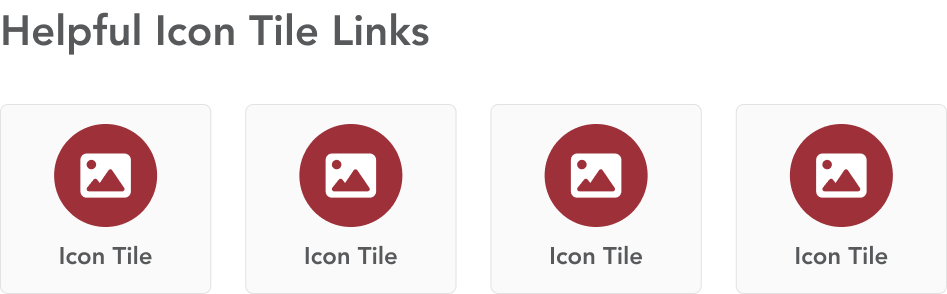
The icon tiles paragraph combines link text and an icon to help guide users helpful information or frequent tasks.
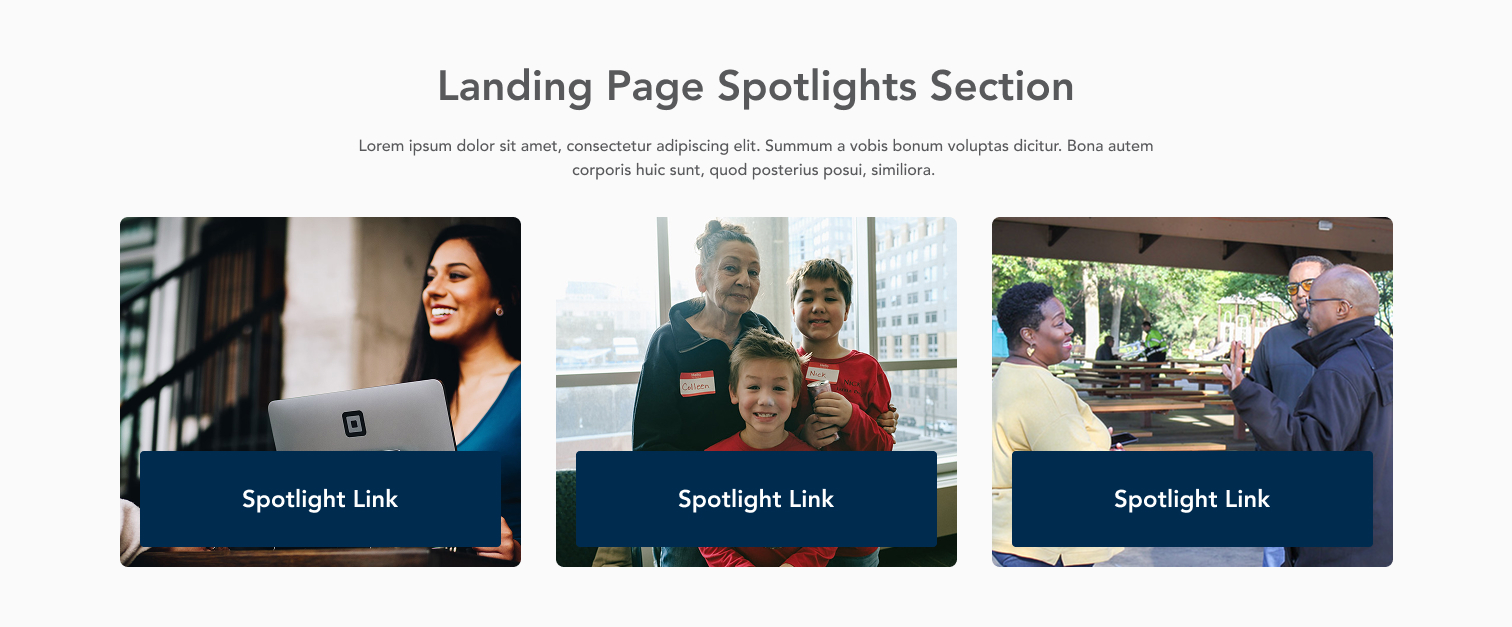
Connect users to content elsewhere on the website with the featured content paragraph. This paragraph creates a card display for related content using that content's title and image.
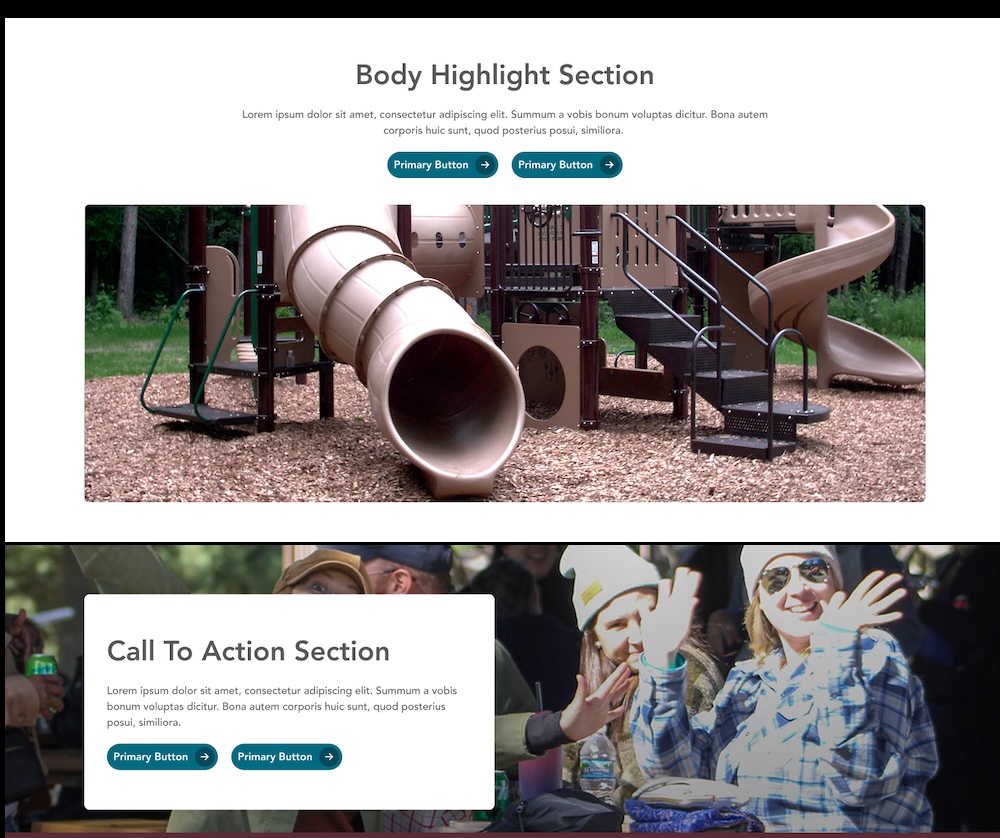
Feature important information with the highlight content paragraph. This paragraph is available to be used in the content section of landing pages, department pages, and the homepage, and is also used in the CTA Section tab for all content types. The paragraph includes an image, heading, description, and buttonlink(s).
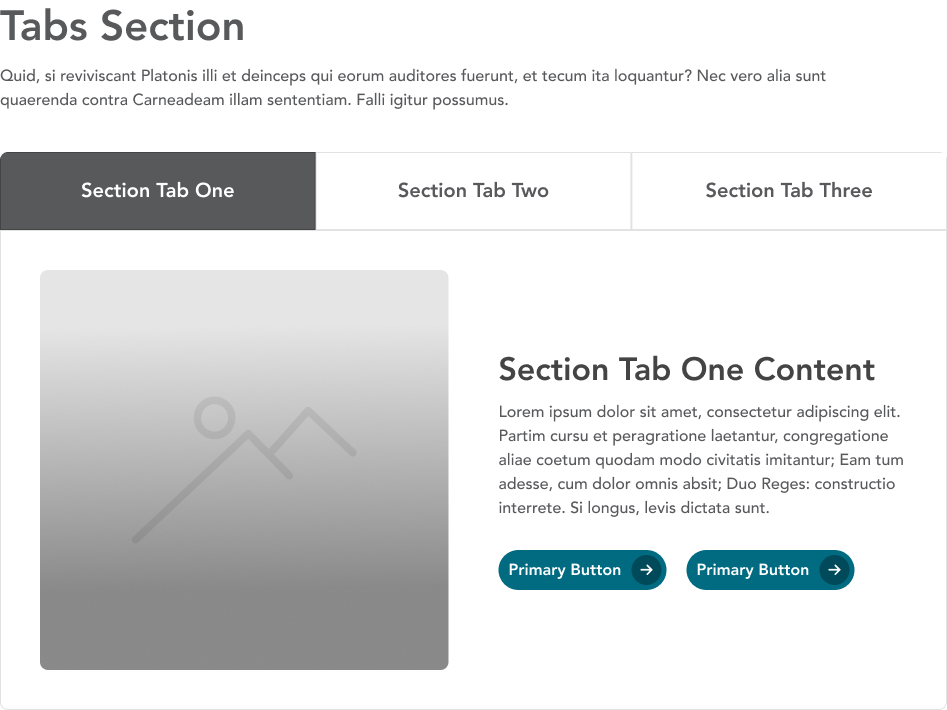
Divide content into different labeled sections using the tabs paragraph. Group related content in one tab panel, and use concise, descriptive labels.